Bad-sector recovery
A tolerant sweep reads the whole disc and skips past unreadable sectors, then patch passes retry only the damage, multi-attempt, with per-sector timeouts and range bisection.
MIT Licensed · 100% Rust · Rip & Mux

Free & open source · Windows, macOS, & Linux · Intel & ARM
A tolerant sweep reads the whole disc and skips past unreadable sectors, then patch passes retry only the damage, multi-attempt, with per-sector timeouts and range bisection.
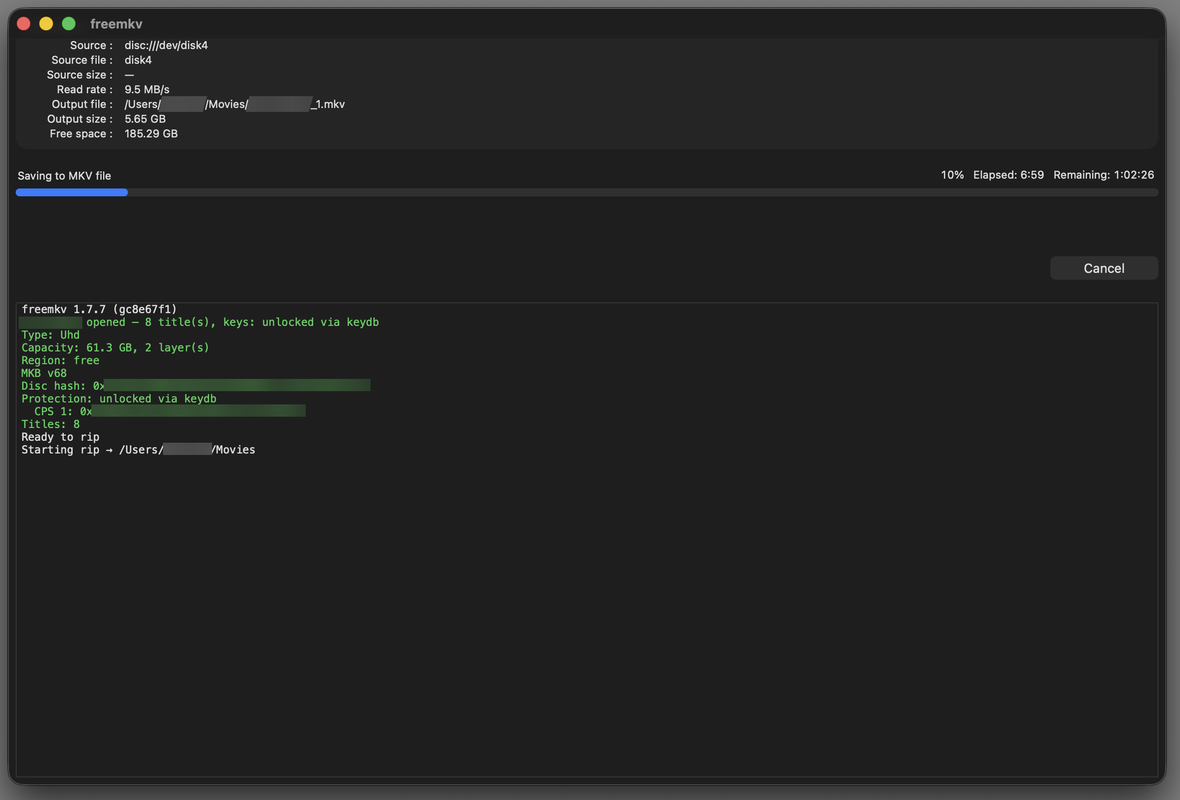
Mux every readable title to a standards-clean MKV: video, audio, subtitles, chapters. DVDs (CSS) work out of the box; Blu-ray and 4K UHD need decryption keys.
Pull one facet of a title out on its own — every video, audio, or subtitle track to its own native file (video://, audio://, sub://), a chapter sidecar (chapters://), or the whole title structure as json://. Or export a play-everywhere mp4:// in a single decrypt pass.
Pure Rust. Download a prebuilt binary for Windows, macOS, or Linux, or build from source. The whole toolchain is licensed MIT: run it anywhere, audit it, build on it.
Three composable stages: read everything the drive can recover, then chase the rest. See how recovery works →
Read the whole disc sequentially. Skip ahead past bad sectors, mark them, never abort.
Come back for the bad ranges with targeted, multi-attempt retries and bisection.
Decrypt and mux the recovered image into a clean, fully-featured MKV.
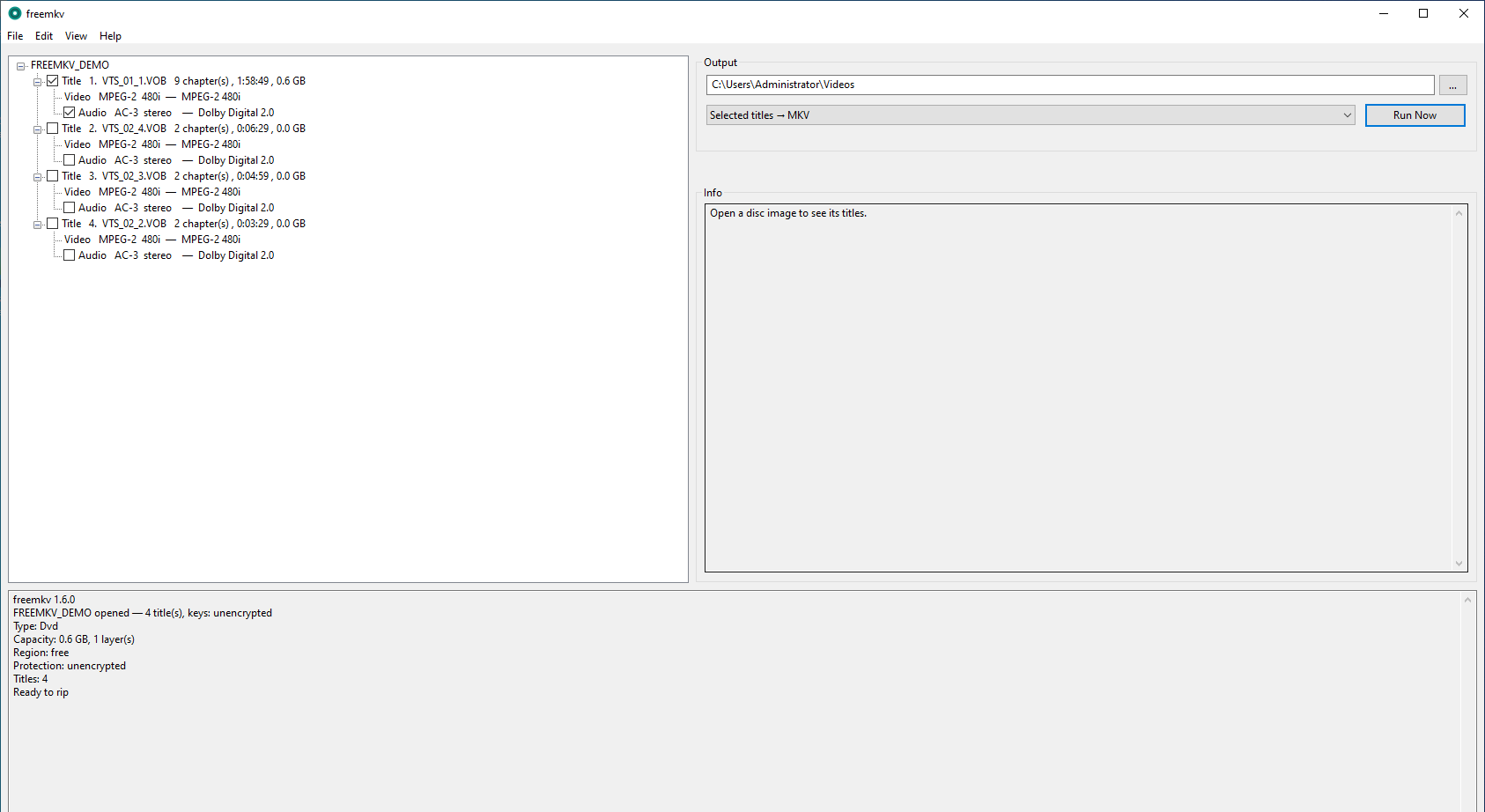
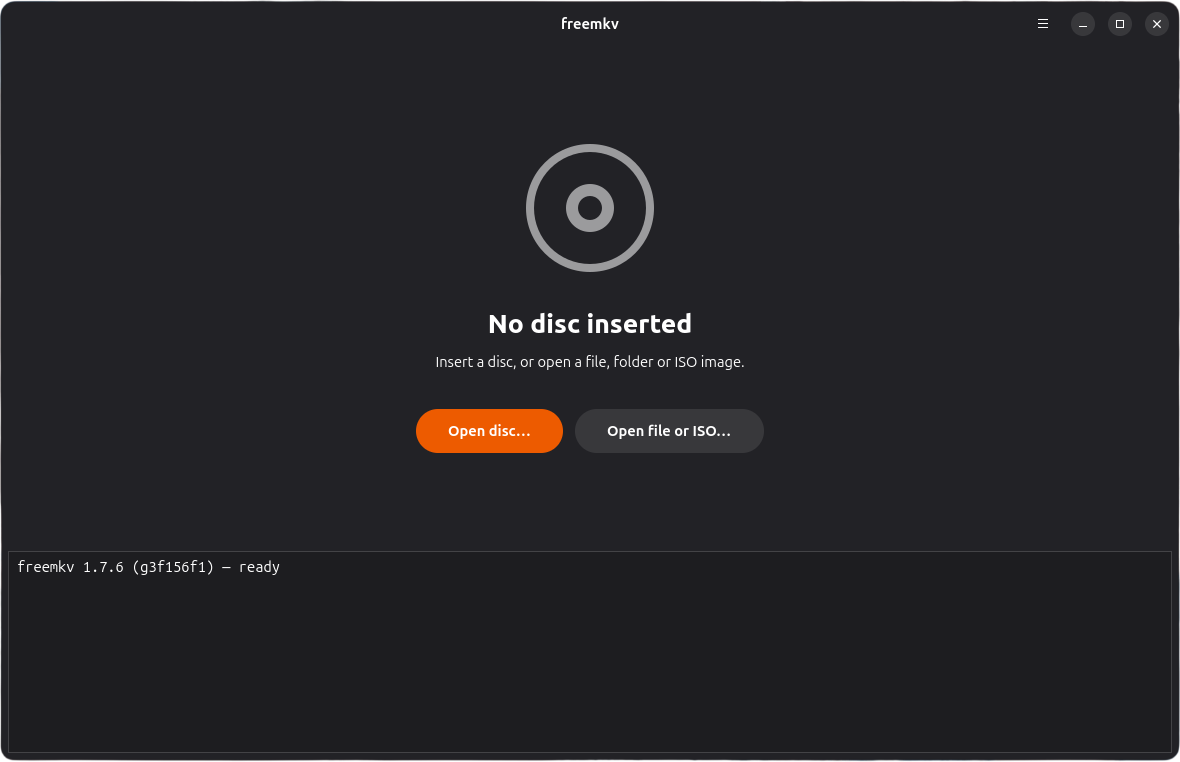
Open the desktop app, pick the titles and tracks you want, choose a format, and press Rip — the same engine, in a window.
Prefer a command line? The same binary composes a source and a destination URL — no rigid subcommands. Read from a disc, ISO, or M2TS; write to MKV, ISO, M2TS, a network stream, or stdout.
# Rip a disc straight to MKV — the main path (decrypt + mux)
$ freemkv disc:// mkv://Movie.mkv

# Remux an existing ISO to MKV — no disc needed, same shape
$ freemkv iso://Disc.iso mkv://Movie.mkv

# Index a disc image, or extract its elementary streams
$ freemkv iso://Disc.iso fvi://Disc.fvi
$ freemkv iso://Disc.iso demux://tracks/

# Pipe decrypted output to another tool over stdout
$ freemkv disc:// stdio:// | your-transcoder -i - …
Or run the whole thing as a service: insert a disc, get an MKV:
# Run the freemkv-library container, then open http://<host>:8080
$ docker run --privileged -v /dev:/dev -p 8080:8080 \
      ghcr.io/freemkv/freemkv-library:latest
disc:// defaults to the main title; run freemkv info disc:// to list every title with durations, or add -t N to pick one. The same --multipass recovery and decryption apply to whichever source and sink you compose.
freemkv-library (formerly autorip) ships as a Docker image. Get freemkv-library · see the freemkv-library docs for setup and decryption keys for Blu-ray and 4K UHD.